
How to Protect Your Minecraft Server from DDoS Attacks
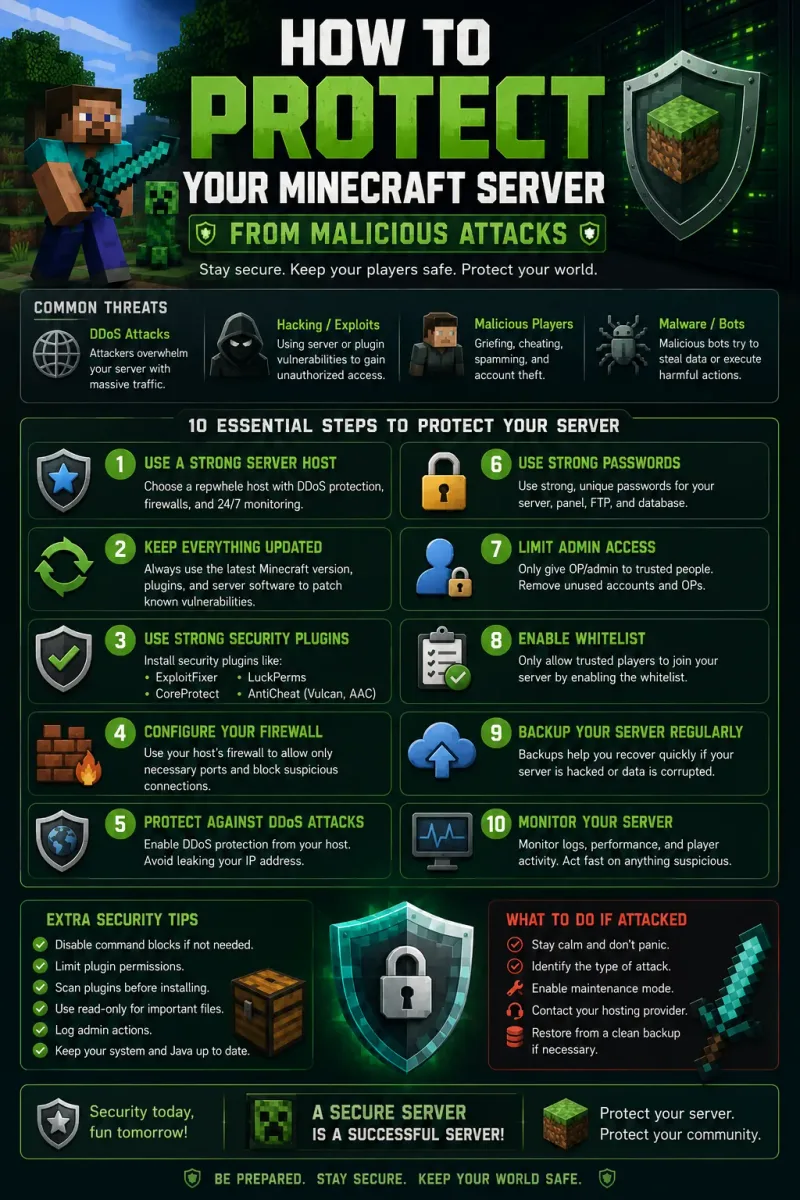
DDoS attacks are the most common threat to Minecraft servers in 2026. A motivated attacker can take your server offline for hours — costing you players, reputation, and revenue. Here's how to protect your server at every level of the stack.
What Is a Minecraft DDoS Attack?
A Distributed Denial of Service (DDoS) attack floods your server with more traffic than it can handle — typically thousands of fake Minecraft login requests per second. Legitimate players can't connect because the server's bandwidth or CPU is saturated. Common attack types: TCP SYN flood (overwhelms connection queue), UDP flood (saturates bandwidth), and Slowloris (exhausts connection slots by holding connections open). Minecraft's default query protocol (port 25565) is particularly vulnerable to amplification attacks.
Layer 1: Hosting-Level Protection
This is your first and most important defense. All CyberNex plans include 17 Tbit enterprise DDoS mitigation at the network edge. Attacks are detected and filtered before they reach your server. Our global infrastructure peers with multiple Tier 1 transit providers and scrubbing centers, providing multi-layered mitigation. This is included at no extra cost — you don't need to configure anything.
Layer 2: Firewall Configuration
On VPS/VDS plans (where you have full control): Use iptables or nftables to rate-limit connections on port 25565. Set up fail2ban to block IPs with excessive failed login attempts. Use TCP syncookies to prevent SYN flood attacks (`net.ipv4.tcp_syncookies=1`). On managed game server plans: This is handled automatically by our infrastructure.
Layer 3: Proxy/Velocity/BungeeCord Protection
If you run a server network, put your proxy (Velocity or BungeeCord) on a separate machine. Configure ip_forward to prevent IP leak to backend servers. Use TCPShield or NeoProtect as a reverse proxy in front of your network — they filter malicious traffic before it reaches your proxy server. This adds an additional layer of DDoS filtering specifically tuned for Minecraft traffic patterns.
Layer 4: Server Configuration
In server.properties: Set network-compression-threshold=256 to reduce bandwidth. Use paper.yml to set max-joins-per-second (recommend 5-10). Enable bungeecord: true only if using a proxy. Set query.port to 0 to disable query protocol (prevents amplification). In spigot.yml: Set moved-wrongly-threshold and moved-to-quickly-multiplier to reasonable values to prevent movement-based flooding.
What to Do During an Attack
Don't panic. Our DDoS mitigation activates automatically within seconds. Check your control panel for attack alerts. Your server IP is protected by Cloudflare Magic Transit — attack traffic is scrubbed at edge data centers before reaching global. Most attacks subside within 15-30 minutes. If an attack persists, contact our support team — our network engineers can apply custom mitigation rules.
DDoS attacks are a reality of running a game server, but with the right hosting provider and basic configuration, they become a minor inconvenience rather than a disaster. CyberNex includes enterprise DDoS protection on every plan — you're protected from day one without paying extra.
More in Minecraft
Hands-on Guides
Deploy your server in 60 seconds
Get your Minecraft, FiveM, Rust, or CS2 server running on our global infrastructure before your coffee gets cold. Starting at € 3.50/month with instant provisioning, 17 Tbit DDoS protection, and 24/7 engineer support.