

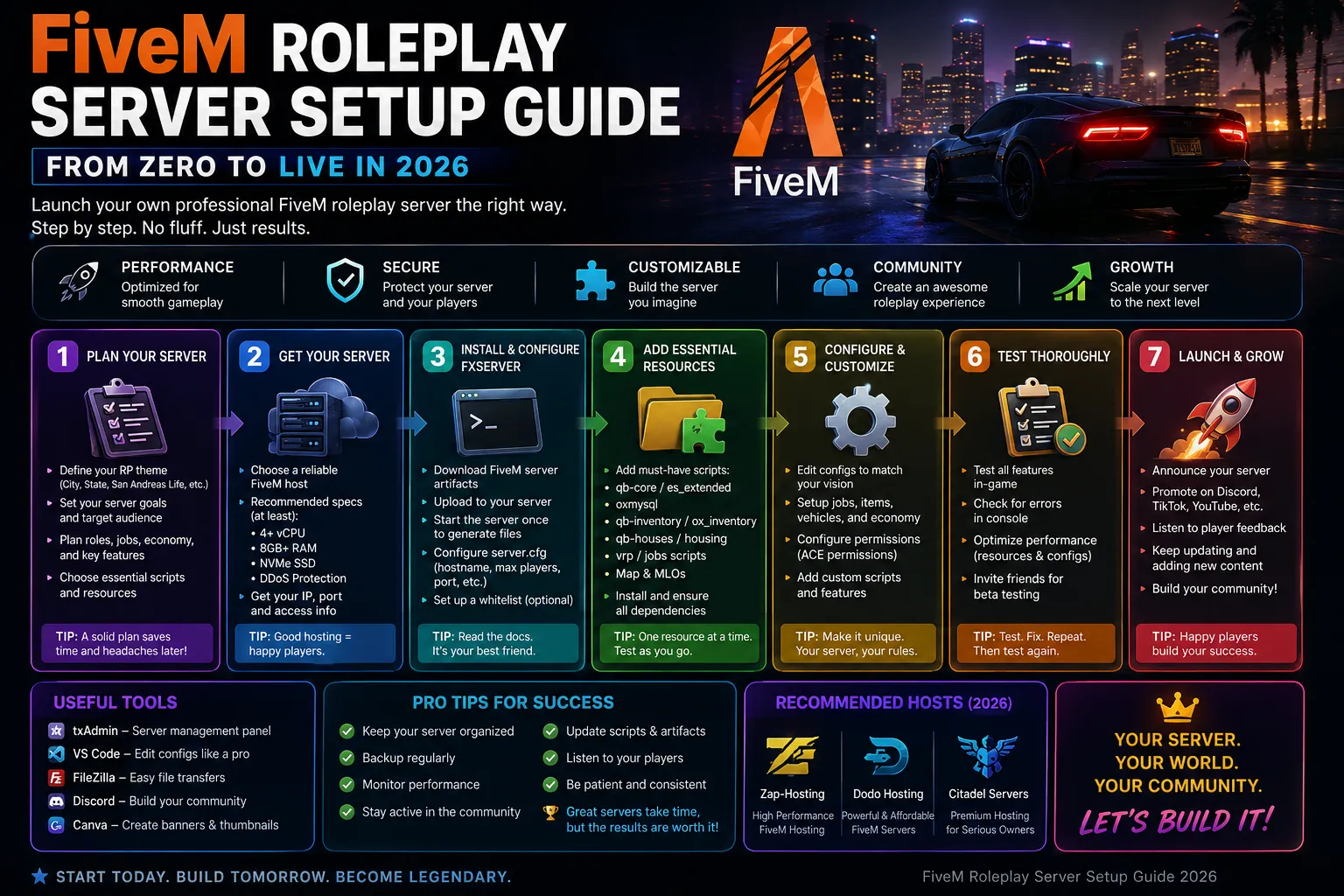
A poorly optimized FiveM server frustrates players with desync, lag, and crashes. A well-optimized server runs smoothly even with 64+ players and 80+ resources. This guide covers every optimization lever — from server.cfg tuning to resource profiling and hardware configuration.
Server.cfg Optimization
The server.cfg controls FiveM's core performance. Key settings: sv_maxclients — set to your plan's capacity (don't overcommit). sv_enforceGameBuild — set to current build (b2692+ for 2026 features). sv_scriptHookAllowed 1 — enables resource profiling. sv_endpoint_bandwidth_up/down — match your plan's bandwidth. sv_master1 — ensure server appears on server list. Connection settings: sv_maxPing 300 (kick high-ping), sv_queueMaxSize 16 (prevent connection flooding). Restart after changes.
OneSync Configuration
OneSync controls how the server handles player synchronization. Set 'onesync_enabled 1' in server.cfg. 'onesync_population 1' enables AI population (pedestrians, traffic). 'onesync_distance 500.0' sets sync distance in meters — reduce to 300 for 64+ player servers. For OneSync Infinity (128+): 'onesync_enableInfinity 1' — needs more CPU. Test with expected player count — OneSync's CPU overhead scales with player count and sync distance.
Resource Optimization
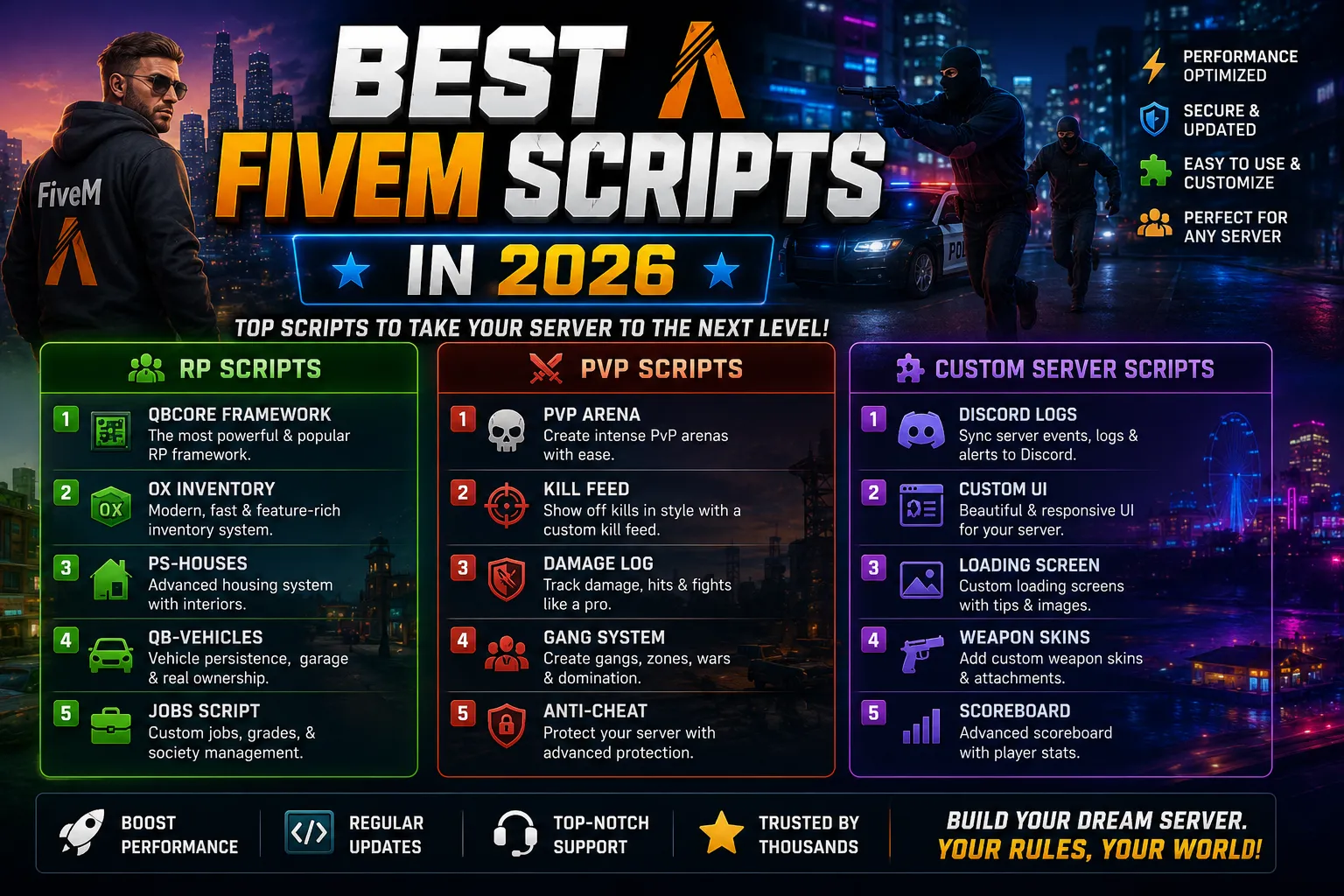
Resources are the #1 cause of FiveM lag. Profile with txAdmin's 'Live Monitor' — open the Performance tab and watch per-resource tick time. Any resource consistently over 1ms is a problem. Common fixes: replace qb-phone with gcphone (lighter). Optimize OX Inventory (disable item animations). Replace qb-hud with a lightweight HUD. Remove unused resources entirely. Set many resources to 'dependency' rather than 'ensure' so they only load when needed. Target: total server tick time under 10ms for 48 slots.
Network Optimization
Network issues cause desync and rubberbanding. Set 'sv_maxTempObjectLimit 100' (reduce from default 500). Use 'sv_rr_multiplier 0.0' for dedicated servers (no anti-cheat timing). 'sv_stickyOn 1' prevents vehicle desync. For player connections: 'sv_forceIndirectListing true' helps players behind NAT. Bandwidth — our 10 Gbps network handles hundreds of players. If players report lag, check their ping first — routing issues should be reported to their ISP.
Hardware Requirements by Server Size
32 slots (20-30 resources): 4GB RAM, Ryzen 9, NVMe — our FiveM 4GB plan. 64 slots (40-60 resources): 8GB RAM, 4 vCPU — our FiveM 8GB plan. 128 slots (OneSync Infinity): 16GB+ RAM, 6+ vCPU — our FiveM 16GB plan. CPU matters more for FiveM than RAM once you exceed minimum RAM. Ryzen 9's single-core performance handles more players per thread. Our infrastructure uses only current-gen Ryzen 9 processors — consistent performance regardless of node.
Optimization starts at server.cfg, continues with OneSync tuning, and finishes with careful resource management. Profile regularly with txAdmin, replace heavy resources, and match hardware to your player count. CyberNex's FiveM plans are pre-tuned for performance — but resource management is always the server owner's responsibility.
More in fivem

FiveM Server Hosting
Launch your FiveM server with txAdmin pre-installed. ESX, QBCore, vRP. DDoS protected.